AWS S3 WITH GITLAB CI/CD: SYNC DEPLOYMENT FILES
JUN 12, 2025•10 MIN READ
Share:
After optimizing how we build and run Docker containers, I ran into another bottleneck in the CI/CD process: managing deployment configuration files.
Why Use S3 in CI/CD?
- Current Challenges:
- ❌ EC2 must be online → If the instance is stopped or unreachable, deployment fails.
- ❌ Security risk → Requires storing SSH private keys in CI/CD pipeline.
- Benefits of S3 Integration:
- ✅ S3 is always available → EC2 can fetch the file at startup, even if it was offline during deployment.
- ✅ No SSH required → This removes the need to store private SSH keys in GitLab CI/CD.
Implementation Steps
1. Create S3 Bucket
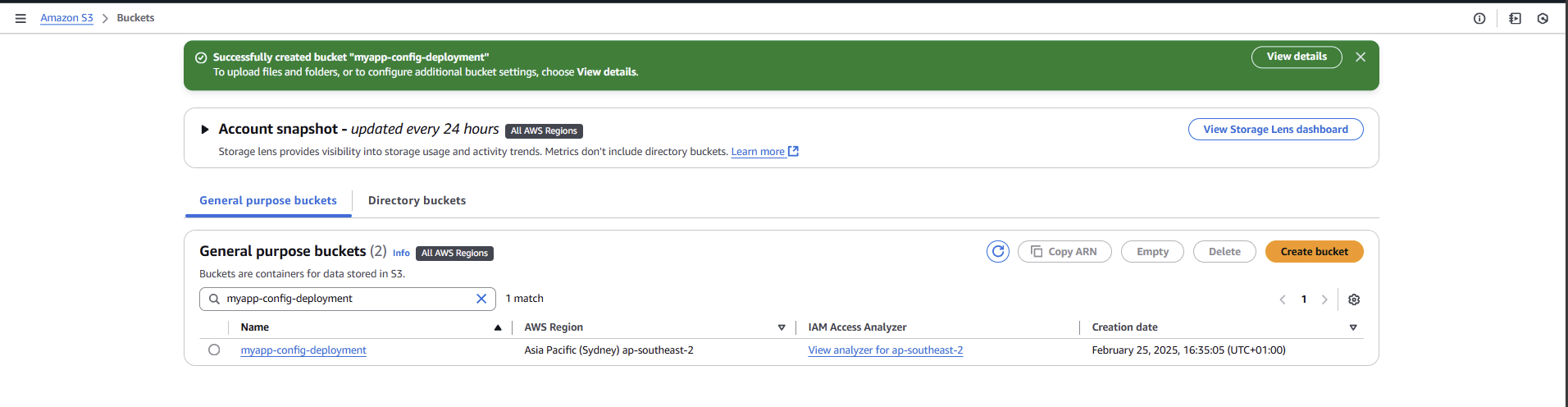
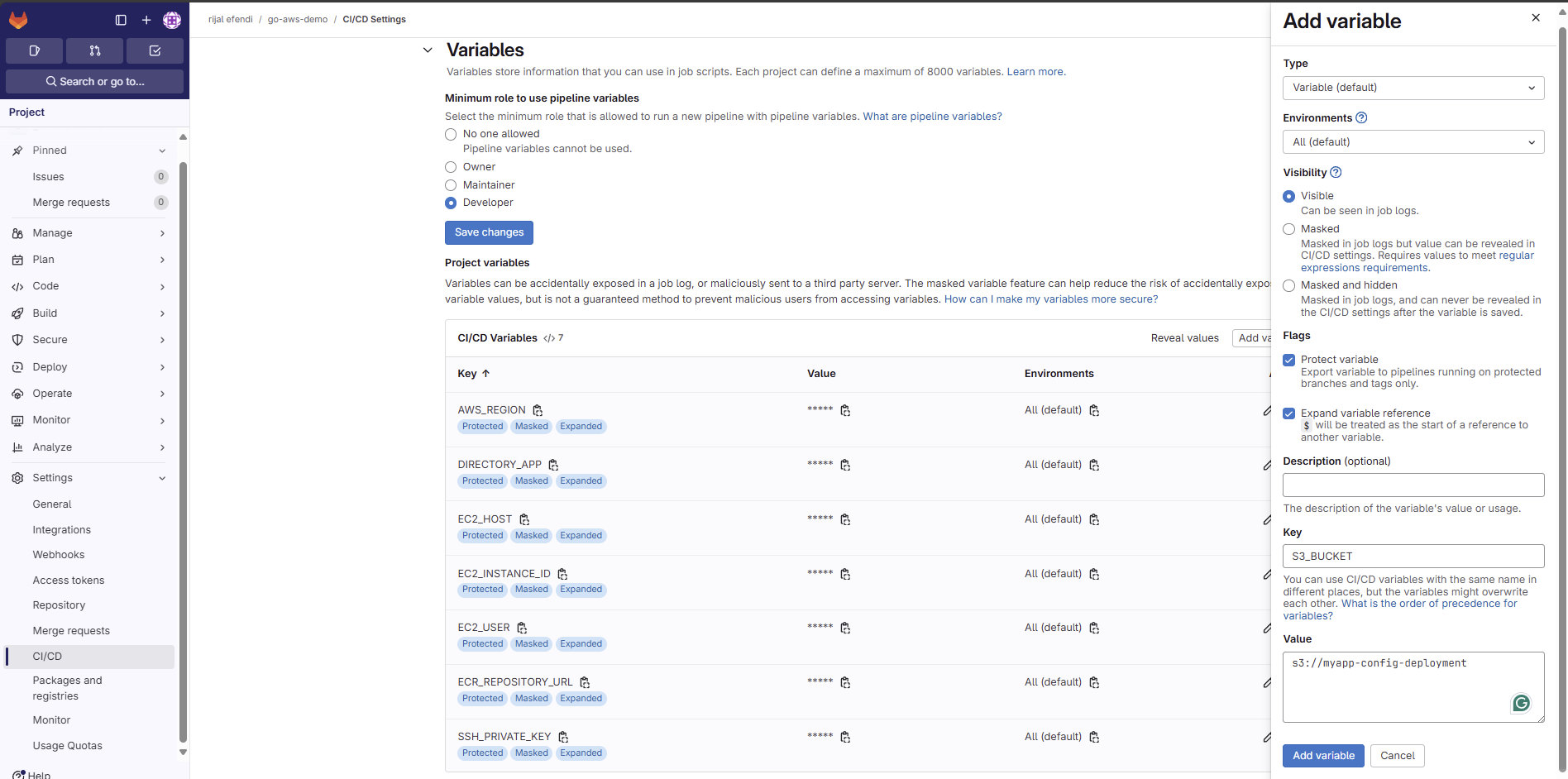
2. Update GitLab CI/CD Variables
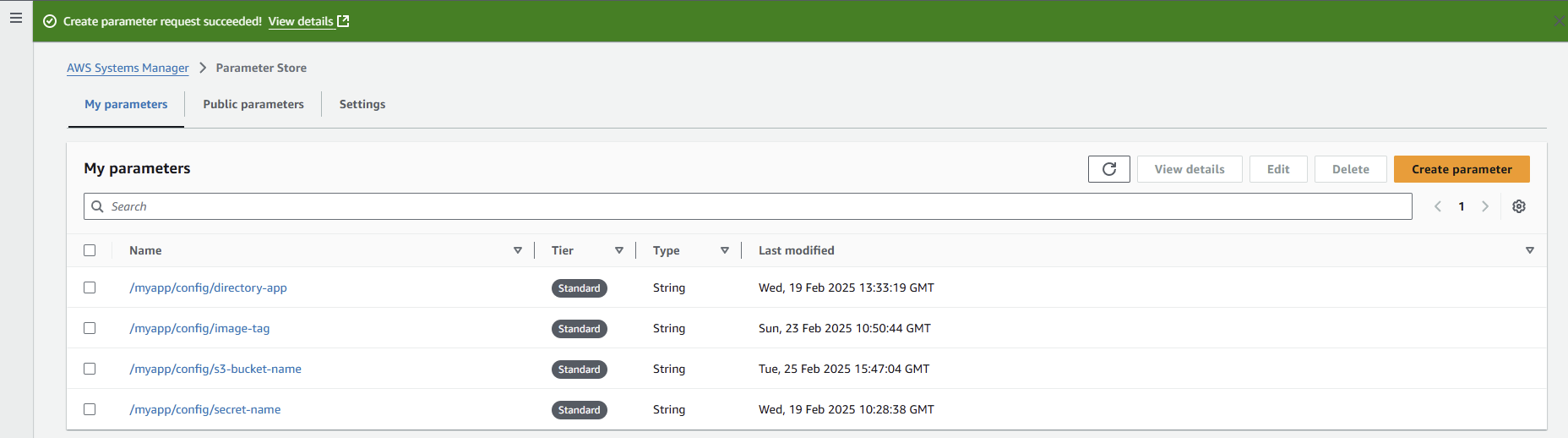
4. Create Parameter for S3 Bucket
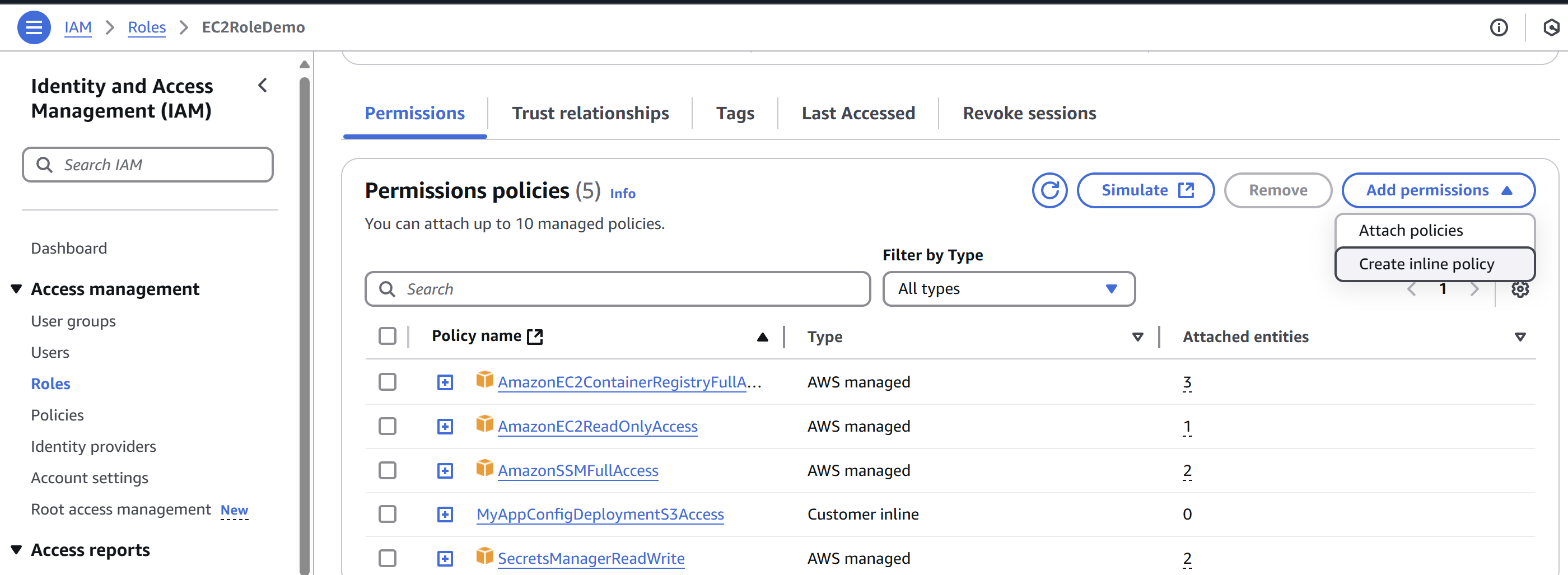
5. Update IAM Role with custom policy
Benefits Achieved
- Centralized Storage:
- All configs in one place
- Easy to manage multiple environments
- Version control for configurations
- Rollback Capability:
- Each config version preserved
- Quick recovery from issues
- Full audit trail
- Security:
- No public access
- IAM role-based access
- Encrypted storage
Resources
Next Steps: Implementing CloudWatch Monitoring
- Setting up CloudWatch