REPLACE SSH WITH AWS SESSION MANAGER (NO KEYS REQUIRED)
FEB 19, 2025•12 MIN READ
Share:
After setting up our CI/CD pipeline, let's enhance our security by:
- Replacing SSH with AWS Systems Manager
- Moving from .env files to AWS Secrets Manager
- Using AWS Parameter Store for configuration
Prerequisites
- Existing CI/CD pipeline from previous setup
- AWS Account with EC2 instance
- Access to AWS Console
- Docker and GitLab Runner configured
IAM Role Configuration
Adding Required Permissions
- Go to IAM Console > Roles
- Find your EC2 role
- Click "Attach policies"
- Add these managed policies:
- AmazonEC2ReadOnlyAccess for Get AWS Region
- AmazonSSMFullAccess for SSM
- SecretsManagerReadWrite for Secrets Manager
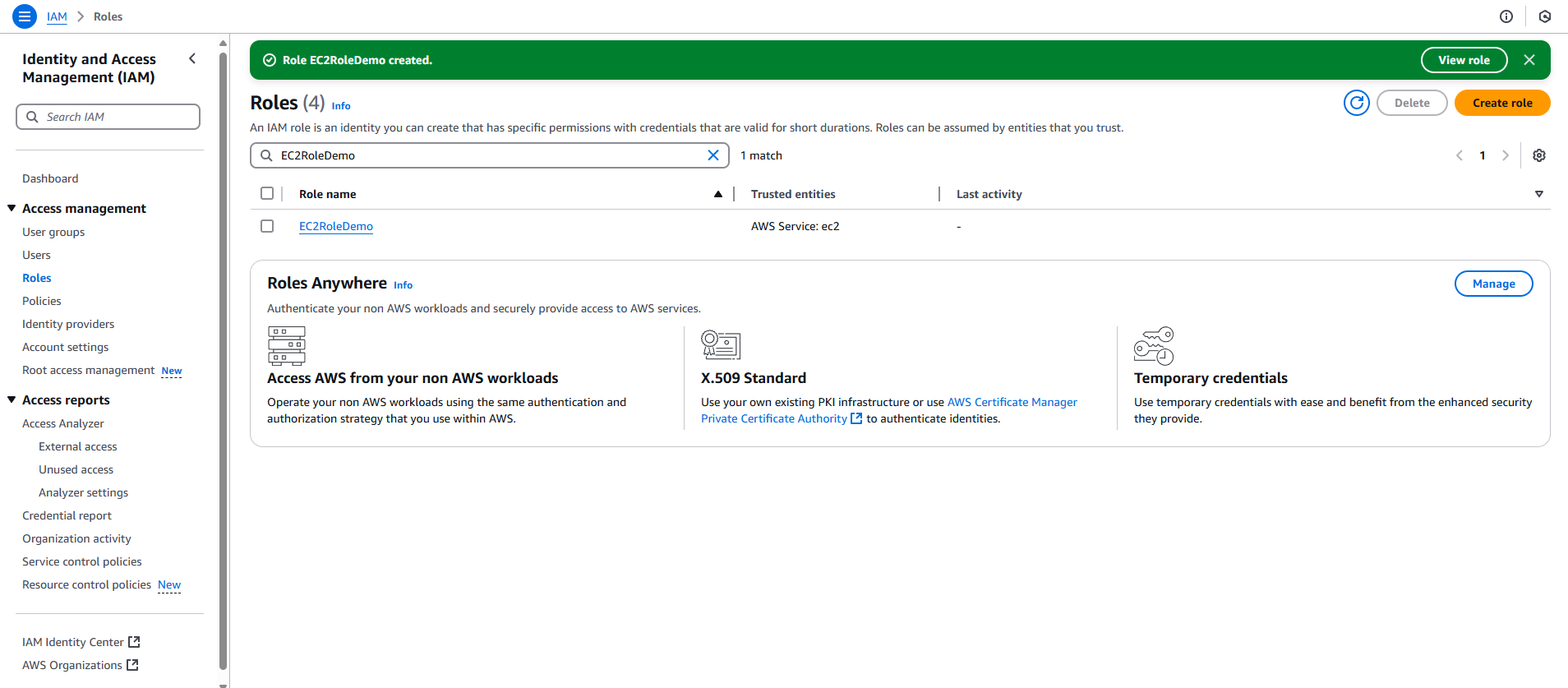
Security Improvements
1. AWS Systems Manager Setup
Why Replace SSH?
- More secure access management
- No need to manage SSH keys
- Integration with IAM permissions
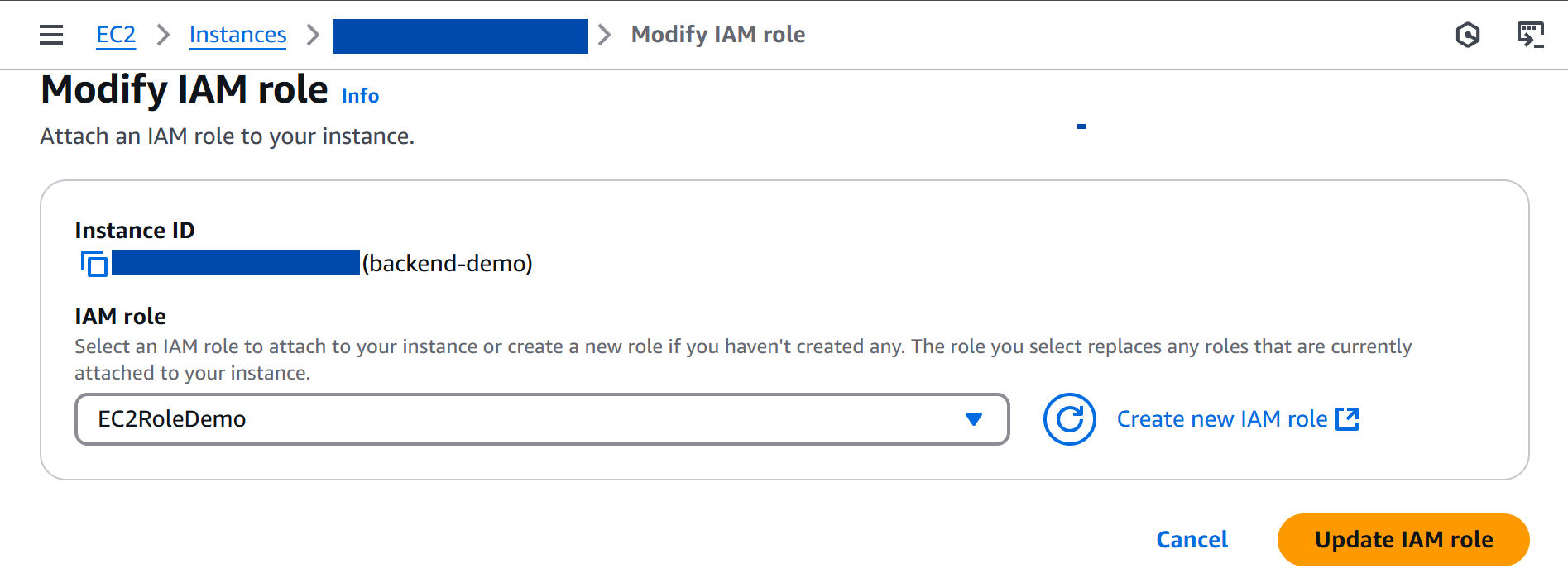
Check SSM Agent Status:
systemctl status amazon-ssm-agent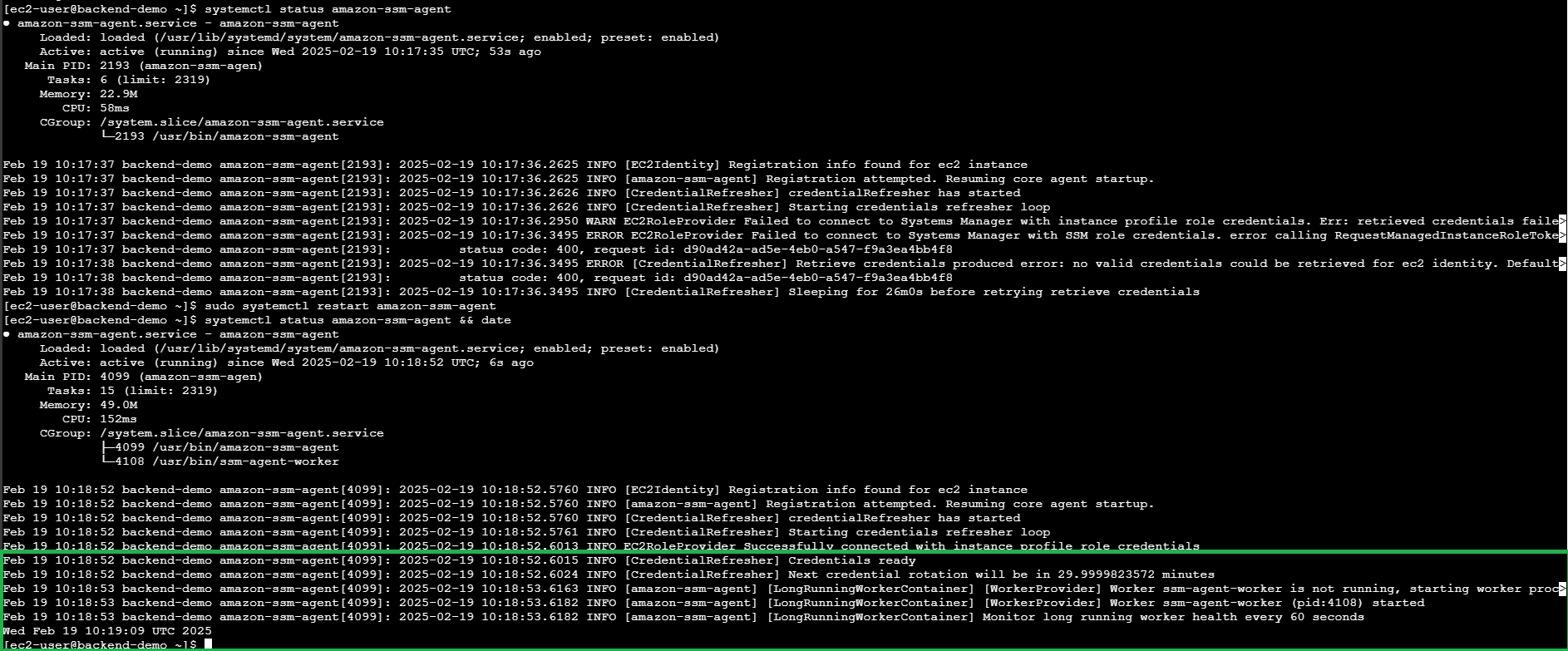
2. AWS Secrets Manager Setup
Why Use Secrets Manager?
- Centralized secrets management (no more scattered .env files)
- Fine-grained access control through IAM policies

3. AWS Parameter Store Setup
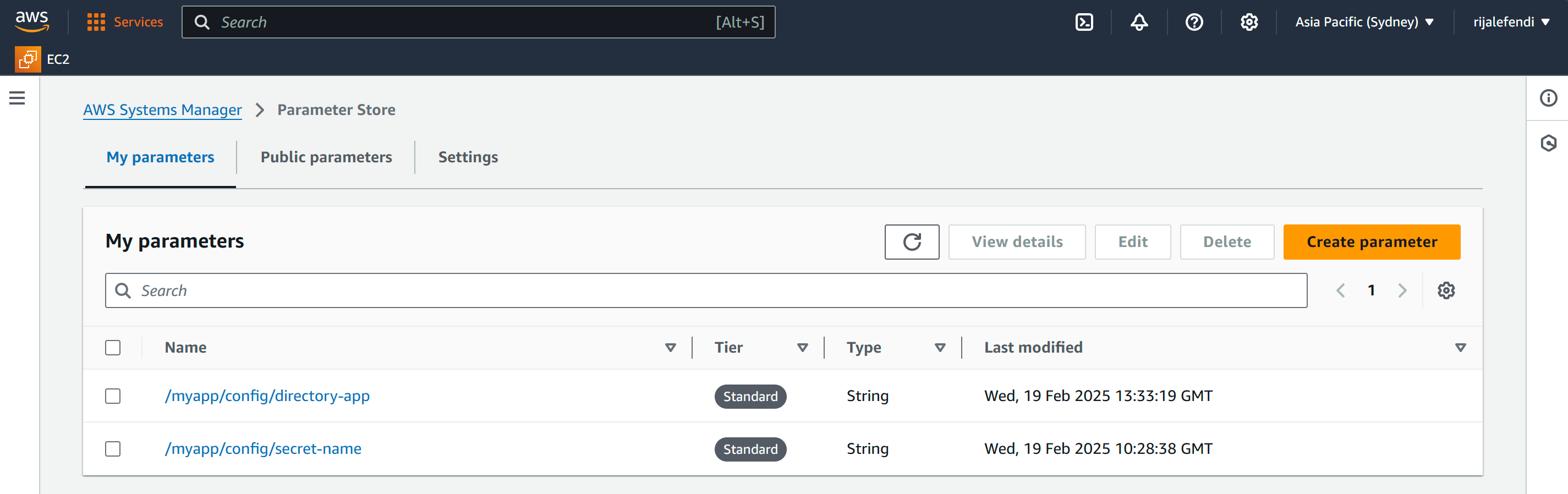
📄 File Changes
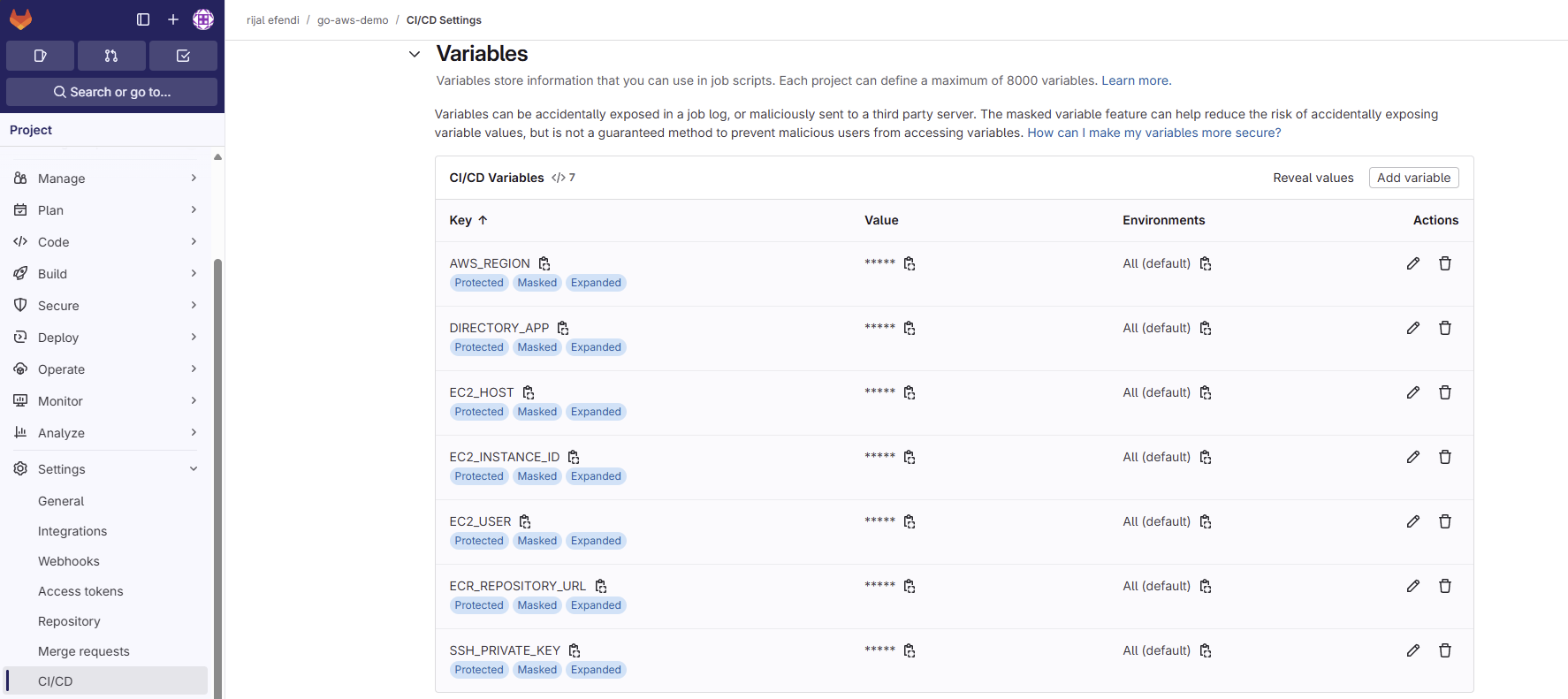
1. Gitlab CI Variable Changes
Common Pitfalls
- Forgetting to attach IAM role to EC2
- Not checking SSM agent status
- Using Secrets Manager for non-sensitive configuration
- Storing sensitive data in Parameter Store instead of Secrets Manager
Learning Journey Highlights
SSH to SSM Migration
- Improved security
- Centralized access management
Secrets Management
- Centralized configuration
- Secure storage
- Access control
Resources
Next Steps: Docker Build Improvements
- Optimizing Dockerfile with better caching strategies
- Adding commit ID to Docker images